Combine your networks
Distribute concurrent connections across Ethernet, Wi-Fi, and mobile hotspots. Each individual connection stays on one network path.
Windows · Open Source
HypoMux brings multi-network aggregation, application routing, connection monitoring, and network diagnostics to one open-source Windows application.
Windows 10 / 11 · Open source
APP PREVIEW
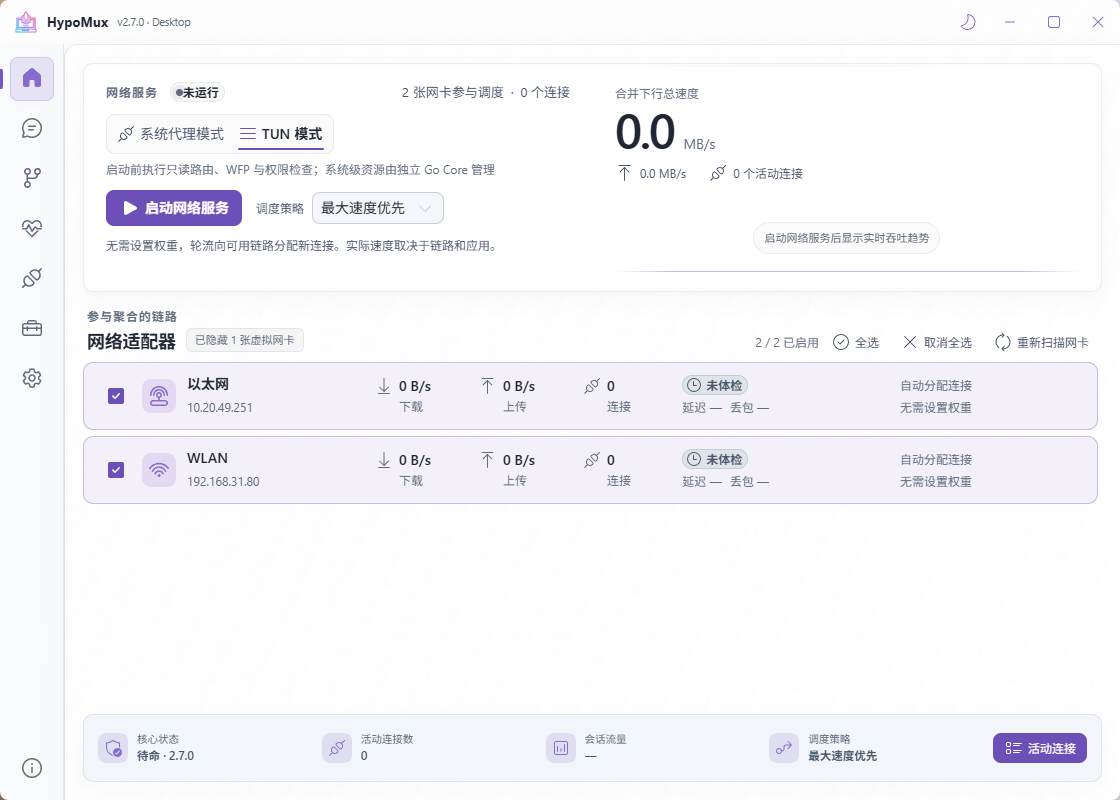
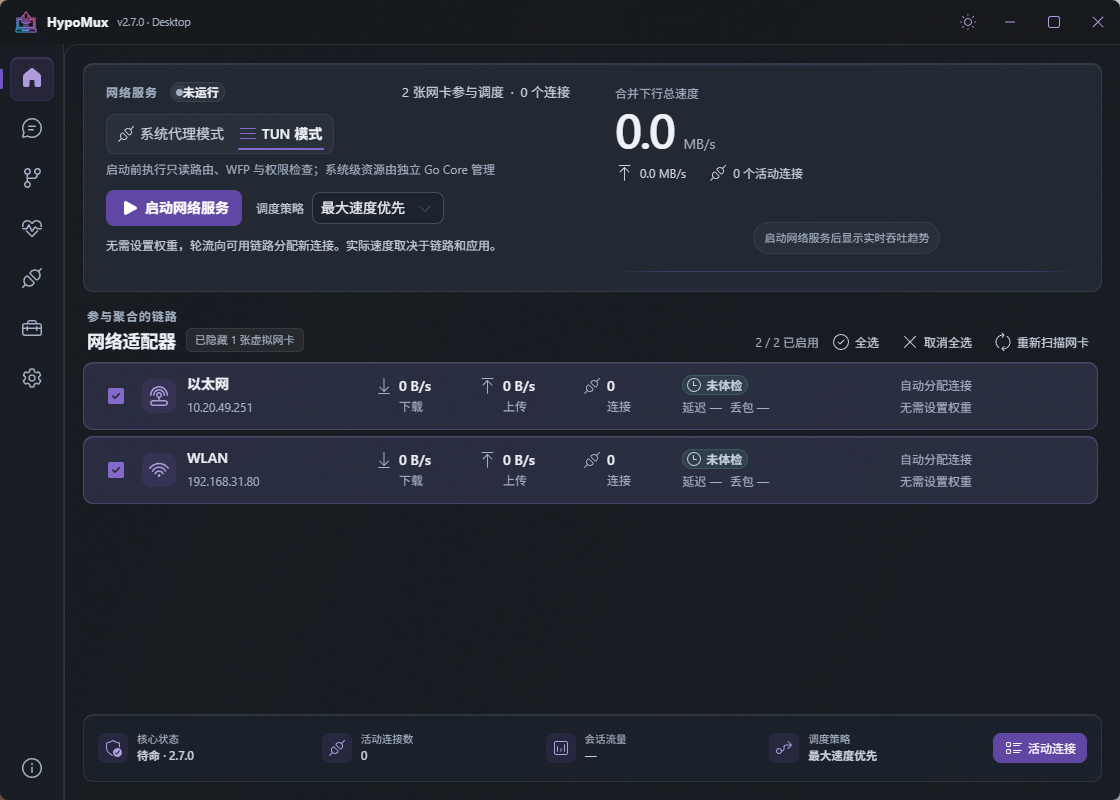
A preview of the HypoMux home screen, with network adapters, operating modes, and service status. Available in light and dark themes.
CORE CAPABILITIES
Manage network paths, configure traffic policies, and inspect connectivity. The toolbox also offers experimental Steam download node selection.
Distribute concurrent connections across Ethernet, Wi-Fi, and mobile hotspots. Each individual connection stays on one network path.
Route by app, domain, or IP. Send matching traffic through the aggregation pool, a direct connection, or a specific adapter.
Check adapter connectivity, inspect active connections, and test NAT behavior to help investigate download and peer-to-peer connection issues.
START AGGREGATING
Connect Ethernet, Wi-Fi, or a mobile hotspot. At least two connections should be able to access the internet.
Select the connections that should work together in HypoMux and complete a Network Check.
Start the service after checks pass. Traffic is assigned across outbound paths by the current policy.
FREE AND OPEN SOURCE
HypoMux is released under AGPL-3.0. Browse the source, follow progress, report an issue, or help improve it.